

Skip to content Skip to content
MatterOrbit is a product of Micronetbd Visit Micronetbd.org →
Book a setup call
Filevine + Google Drive

Two-way Filevine to Google Drive document sync

MatterOrbit keeps Filevine matters and Google Drive folders aligned, both directions, near real time. Filevine stays your system of record; Google Drive gets a live copy for firms on Google Workspace.

Listed in the Filevine marketplace

MatterOrbit is a certified Filevine integration, listed in the Filevine marketplace and built on Filevine’s official partner API. Filevine stays your system of record while every matter stays mirrored, both directions, in the storage your firm already uses.

How the Filevine integration works →
How it works

Filevine projects map to My Drive and Shared Drive folders

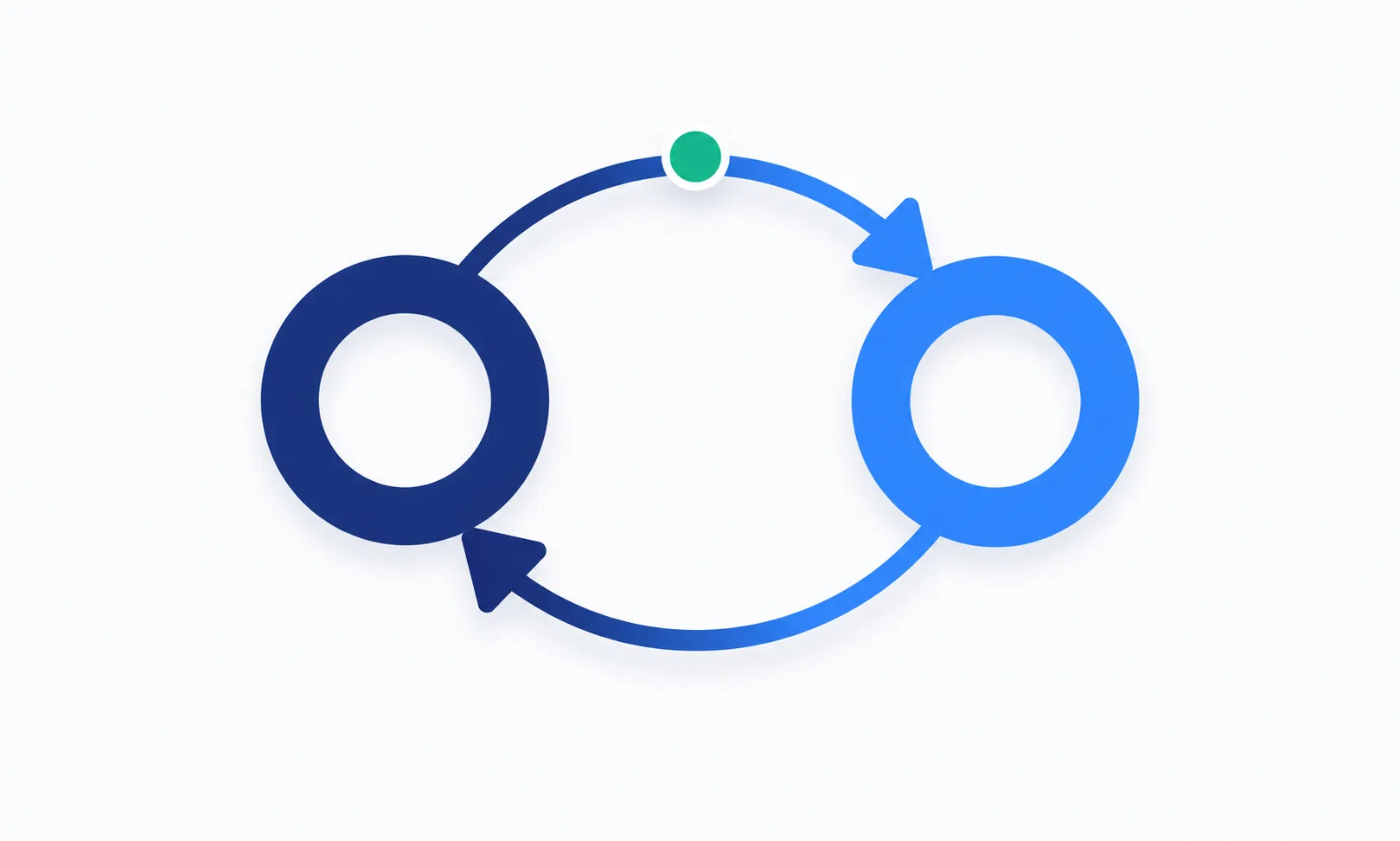
Each Filevine project maps to a folder in My Drive or a Shared Drive, and folder structure is preserved exactly. Edit a document in Filevine and it updates in Google Drive, and back again.

Sync runs near real time off webhooks, with a 5-minute polling fallback and a nightly reconciliation sweep. MatterOrbit connects via the Google Drive API with least-privilege scopes.

Near real time
Webhook-driven
5 min
Poll fallback
Nightly
Reconciliation sweep
Two-way sync loop between Filevine and Google Drive
Conflicts, loops and proof

Five conflict strategies, no silent overwrites

When the same document changes in Filevine and Google Drive at once, MatterOrbit applies the policy your firm chose, and records what it did.

01

Last-writer-wins default

The most recent change is kept. Predictable, and right for most matters.

02

Filevine-authoritative

Filevine always wins a tie. Use it when Filevine is your system of record.

03

Google Drive-authoritative

Google Drive wins a tie. Use it when your team drafts in Google Drive.

04

Version-both

Both versions are kept. The loser is renamed, so no work is ever lost.

05

Manual review

The conflict lands in a queue in your dashboard for a person to settle.

Loop prevention

Every write MatterOrbit makes into Google Drive carries sync-source metadata. The inbound webhook for that same write is recognized as MatterOrbit's own change and short-circuits, instead of bouncing back to Filevine. That is what keeps a Google Drive sync from looping the way Zapier and Workato setups can.

Smart rename

Filevine caps a document path at 250 characters. MatterOrbit renames and truncates a long Google Drive file or folder name to fit, while keeping the original full name in the middleware so the document stays findable.

Hash-verified, and provable

Every Google Drive sync event runs the same five stages: detect, diff, resolve, transfer, verify. A hash match confirms the transfer before the audit record is written. Failed operations retry with backoff, and your dashboard shows sync health, volume, the conflict queue, and a full audit trail.

Who it is for

Built for firms and co-counsel on Google Workspace

Firms standardized on Google Workspace

If your firm runs on Gmail, Docs, and Drive, MatterOrbit gives every matter a live mirror in My Drive or a Shared Drive.

Co-counsel who live in Google Drive

Referral partners on Google Workspace can keep working from a Shared Drive that stays aligned with the matter, both directions, with no Filevine login needed.

Firms that want an off-platform copy of every matter

A continuously updated Google Drive copy of every matter document gives your firm a working backup outside Filevine, with no separate export step.

Getting started

Set up the Google Drive connector

Every firm starts with a setup call. We scope your My Drive and Shared Drive folders, your backfill volume, and the conflict policy your firm wants, before billing begins.

Standard-mirror setup, an exact copy of your current Filevine structure into a fresh Google Drive location, is the simplest setup. One connector is bundled in every plan, and Google Drive is one of the four you can start with. Pricing is one monthly subscription quoted for your firm after the setup call; request pricing and we reply within one business day.

Other destinations

Sync Filevine somewhere else

MatterOrbit runs the same conflict rules, loop prevention, and audit trail on every connector.

Filevine SharePoint sync  ·  Filevine OneDrive sync  ·  Filevine Dropbox sync  ·  All Filevine integrations

FAQ

Google Drive sync questions

Does MatterOrbit sync My Drive, Shared Drives, or both?

Both. MatterOrbit syncs My Drive and Shared Drive folders, aligned with the matching Filevine project in each direction.

How fast does a change in Filevine show up in Google Drive?

Most changes land near real time through webhooks. If a webhook is missed, a 5-minute poll catches it, and a nightly reconciliation sweep checks everything else.

What happens if the same file changes in Filevine and Google Drive at once?

MatterOrbit applies the conflict policy your firm chose: last-writer-wins by default, or Filevine-authoritative, Google Drive-authoritative, version-both, or manual review.

Do you use our own Google Drive API key?

No. MatterOrbit connects via the Google Drive API with least-privilege scopes under its own credentials, so it runs on dedicated rate limits instead of borrowing a firm's own key.

Is setup included, and can we add more connectors later?

Standard-mirror setup, mirroring your current Filevine structure into a fresh Google Drive location, is the simplest setup and is scoped on the call. One connector is bundled in every plan; add SharePoint, OneDrive, or Dropbox at any time.

Ready to see it on your own matters?

Book a setup call and we will walk the pipeline against a sample of your real Filevine documents.